Bluetooth 5.3 Earbuds: Fast Charge, Low Lag, Clear Calls
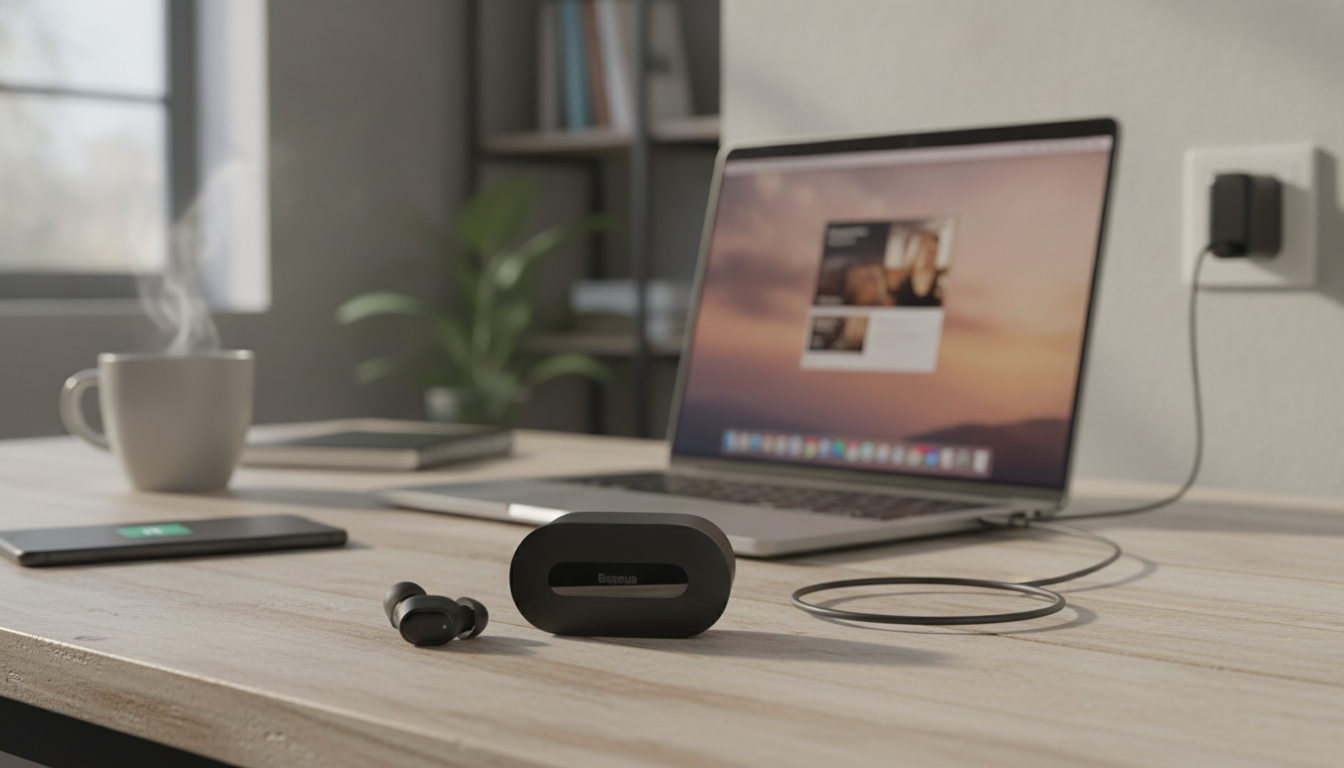
Bluetooth 5.3 Fast-Charging Earbuds with Ultra-Low Latency: What Matters for Gaming, Calls, and Commutes
Fast top-ups, stable wireless performance, and minimal audio delay can make earbuds feel effortless—especially for mobile gaming, video, and everyday calls. The most satisfying pairs aren’t only about sound quality; they’re about timing, connection stability, and the little conveniences (like a quick charge) that keep you moving. Below is a practical breakdown of what to look for in ultra-low-latency earbuds, how Bluetooth 5.3 fits in, what “fast charging” usually delivers day to day, and the quick settings that can tighten sync across phones, tablets, and laptops.
Why Ultra-Low Latency Changes the Experience
Latency is the delay between what happens on-screen and what you hear. Even when audio sounds clear, a noticeable gap can make games feel “off” and dialogue look slightly out of sync.
- Better gaming timing: Lower latency reduces the gap between on-screen action and sound cues, which matters most in shooters, rhythm games, and competitive play.
- Smoother calls in real life: Consistent timing improves the perceived clarity of conversations—especially when an app switches audio modes or when notifications briefly interrupt audio focus.
- More natural lip-sync: Streaming platforms can feel more “locked in,” particularly at lower volumes where timing errors stand out.
- Depends on device/app support: Earbuds with a low-latency path work best when your phone/tablet and the app can take advantage of it (often via a “game mode” toggle).
Bluetooth 5.3: Stability, Efficiency, and Fewer Dropouts
Bluetooth 5.3 is designed to improve how devices manage connections and power. In practice, that can mean fewer hiccups and better efficiency compared with older Bluetooth versions—but outcomes still vary by phone, laptop, and environment.
- Connection management can be smarter: When both the earbuds and your device support newer Bluetooth features, pairing and reconnection can feel more consistent.
- Interference still rules the real world: Crowded Wi-Fi areas, transit hubs, and busy sidewalks can introduce stutters no matter the Bluetooth version.
- Keep firmware current when available: If your earbuds support updates, firmware can improve stability and fix bugs over time.
- Avoid pairing chaos: Pairing with too many devices (or constantly switching) can create conflicts. A consistent “primary” device setup tends to be more reliable.
If audio stutters, try a quick sequence: toggle Bluetooth off/on, “forget” the earbuds and re-pair, and keep the phone on the same side as the primary earbud (your head can block signal more than most people expect). For official Bluetooth specifications, see the Bluetooth Core Specification.
Fast Charging in Daily Use: What to Expect
Quick checklist for low-latency, fast-charging earbuds
| Feature | Why it matters | What to check |
|---|---|---|
| Low-latency mode | Better sync for games and video | App toggle, “game mode,” or documented low-latency support |
| Bluetooth version | Stability and efficiency improvements | Bluetooth 5.3 on earbuds; phone/laptop Bluetooth capability |
| Charging speed | Short top-ups for daily use | Stated fast-charge capability and typical top-up time claims |
| Fit and seal | Comfort and bass response | Multiple ear tip sizes; secure fit for movement |
| Mic performance | Clear calls in noisy places | Noise reduction features and mic placement design |
Sound, Fit, and Controls That Make Earbuds Easier to Live With
Simple Steps to Reduce Lag and Improve Sync
- Turn on low-latency/game mode: If your earbuds include it, enable it for shooters, rhythm games, and fast-paced video.
- Close background audio grabbers: Messaging apps with voice-note playback, screen recorders, and some social apps can hijack audio focus and disrupt consistency.
- Android tweaks (device-dependent): Some phones expose Bluetooth audio options that can affect stability and timing. If Bluetooth is acting up, Android’s official troubleshooting steps can help: Fix Bluetooth problems.
- Windows/macOS output choice: For media playback, select the high-quality stereo output instead of headset/hands-free mode when you’re not actively on a call.
- Streaming app lip-sync tools: Some apps offer audio delay controls. If sync is consistently off, disabling video “frame smoothing” features can also help.
If pairing or reconnection is unreliable on iPhone or iPad, Apple’s official steps are a good baseline: If you can’t connect a Bluetooth accessory.
A Budget-Friendly Option Worth Considering
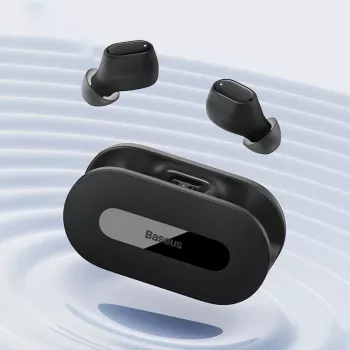
If the goal is everyday convenience—quick charging, modern Bluetooth, and reduced delay for casual gaming and video—Bluetooth 5.3 Fast Charging Earbuds with Ultra-Low Latency are positioned as an affordable pick for commutes, quick workouts, and scrolling through short-form content without that “sound comes later” feeling.
Small travel add-on (optional)
If your earbuds live in a daily bag, a compact kit can help keep things organized for work trips and gym stops. The 23-Piece Professional Makeup Brush Set is an easy, packable option for people who like having a ready-to-go routine without reassembling products from home.
FAQ
Do ultra-low-latency earbuds work the same on every phone?
No. Latency depends on the phone or tablet’s Bluetooth stack, codec support, and how the specific app routes audio—plus whether a low-latency or gaming mode is available and active.
Why does audio lag get worse during voice chat?
Many devices switch to a hands-free voice profile for calls or chat, which changes audio routing and can increase latency. If possible, use in-game voice settings that reduce processing, or keep stereo mode for media when you’re not actively using the mic.
What should be done if one earbud keeps disconnecting?
Try resetting and re-pairing, cleaning the charging contacts, and fully charging both the earbuds and case. Also reduce nearby interference, keep your phone closer, and check for multi-device conflicts if the earbuds are paired to more than one device.














Leave a comment